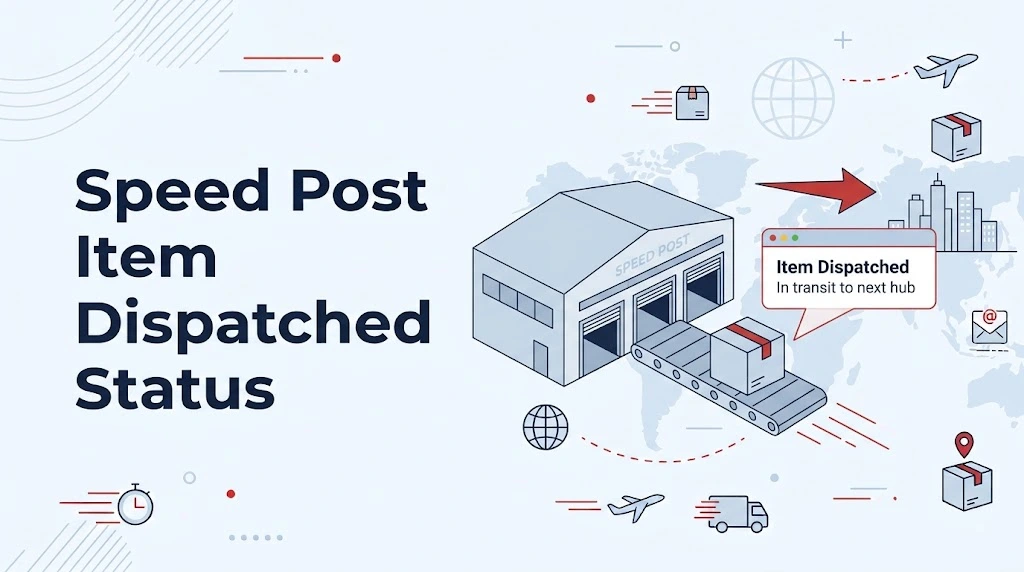
If you are checking your Speed Post tracking and suddenly see “Item Dispatched”, there is usually no reason to worry. This status means your article has been processed at a post office or mail facility and has been sent onward for the next stage of its journey.
In simple words, the parcel or document has left the current processing location and is moving toward another postal facility or its destination. The exact next step depends on the route, destination and processing network.
What Does “Item Dispatched” Mean in Speed Post?
The speed post item dispatched meaning is that India Post has recorded the movement of your article from one postal location to another. It does not normally mean that your parcel has been delivered, and it also does not necessarily mean that it is already with the delivery post office.
For example, suppose you booked a Speed Post article from Ranchi to Delhi. After processing at the booking or sorting facility, the tracking system may show an “Item Dispatched” update. The article can then move to another sorting centre, transit hub or destination-related post office before the next tracking event appears.
India Post provides an online Track and Trace facility for checking consignment movements. Its official tracking system asks for the consignment number to retrieve the available tracking information.
Does “Item Dispatched” Mean My Speed Post Is Moving?
Yes, generally it indicates that the item has moved out of the location where that particular scan or processing event took place.
But there is an important point here: “dispatched” does not tell you the exact physical location of the article at every moment.
Postal tracking works through recorded events. When an article is processed, transferred or dispatched, a corresponding tracking event can be added to the system. There can then be a gap before the next scan appears.
So, if you see the same status for several hours, or even longer depending on the route, it does not automatically mean that the parcel is lost.
What Happens After “Item Dispatched”?
There isn’t one fixed sequence that every Speed Post article follows. The next update depends on where the item is going and how it is being processed.
A typical journey may look something like this:
Booked → Processed → Dispatched → Received at another facility → Processed → Dispatched → Destination post office → Out for Delivery → Delivered
Think of “Item Dispatched” as one checkpoint in the journey rather than the final answer about where your parcel is.
India Post says its Speed Post service includes an internet-based Track and Trace system and delivery information through SMS for relevant service events.
Why Does the Status Sometimes Stay Unchanged?
This is probably the most common question people have after seeing “Item Dispatched.”
The simple answer is that tracking updates are event-based, not a continuous GPS feed.
Your Speed Post article can be travelling between postal facilities without displaying a new public tracking event every few minutes. The next update may appear when the article is scanned or processed at another location.
For example, imagine your item is dispatched from one sorting centre late in the evening. You may not see another update immediately. The next scan could appear after it reaches the next processing point.
So don’t assume that a lack of a new update means the article has stopped moving.
How Long Can Speed Post Take After Dispatch?
There is no single delivery time that applies to every Speed Post article. Distance, destination, booking location, route and other operational factors can affect the journey.
India Post’s published service information gives different standards for different types of Speed Post services. Its service information also states that delivery time can vary by destination category.
For Speed Post Parcel, India Post currently lists average delivery times such as 1–2 days for local deliveries, 1–3 days between metros, 1–4 days for same-state or state-capital movements, and 4–5 days for the rest of the country. Branch-office delivery can take an additional day. These are service standards rather than a promise that every individual shipment will arrive within exactly that period.
That distinction matters when you’re trying to predict delivery from one tracking update.
“Item Dispatched” vs “Out for Delivery”
These two statuses are quite different.
Item Dispatched:
Your article has been sent onward from its current processing location. It may still be travelling through the postal network.
Out for Delivery:
The article has reached the delivery stage and has been assigned for delivery to the recipient.
So if your tracking says “Item Dispatched,” don’t expect the postman to arrive immediately. There may still be one or more processing or transportation stages before the article reaches the delivery post office.
Can I Track Speed Post After This Status?
Yes. Keep your Speed Post consignment number and check the latest tracking event through India Post’s Track and Trace service.
India Post’s official information states that Speed Post articles can be tracked online using the article/consignment number.
If you’re using a third-party tracking page, it is still sensible to compare the result with the official India Post tracking system, particularly when a shipment appears delayed or the status seems unusual.
What If “Item Dispatched” Has Not Changed?
First, give the shipment some time to receive its next scan. A short period without a new event isn’t enough to conclude that something is wrong.
Check these things:
- Confirm that the consignment number was entered correctly.
- Look at the date and time of the last tracking event.
- Check whether the destination address and PIN code are correct.
- Compare the tracking information with the expected delivery window.
- Check the official India Post tracking system for the latest available event.
If the article appears to be genuinely delayed or you have a specific service problem, India Post provides customer support and complaint channels. Its current contact information lists the customer care number 1800 266 6868, with call-centre assistance from 8:00 AM to 8:00 PM and IVRS availability 24/7, except specified holidays.
The Bottom Line
Seeing “Item Dispatched” on Speed Post tracking is generally a normal movement update. It means the article has been dispatched from the recorded postal facility and is continuing through the delivery network.
It does not mean the shipment has been delivered, and it does not necessarily mean that it has reached the destination post office. The best way to understand what happens next is to watch for the following tracking event.
If you’re waiting for an important document or parcel, don’t judge its progress from one status alone. Look at the complete tracking history, the latest scan time and the destination. That gives you a much clearer picture of where your Speed Post article stands.